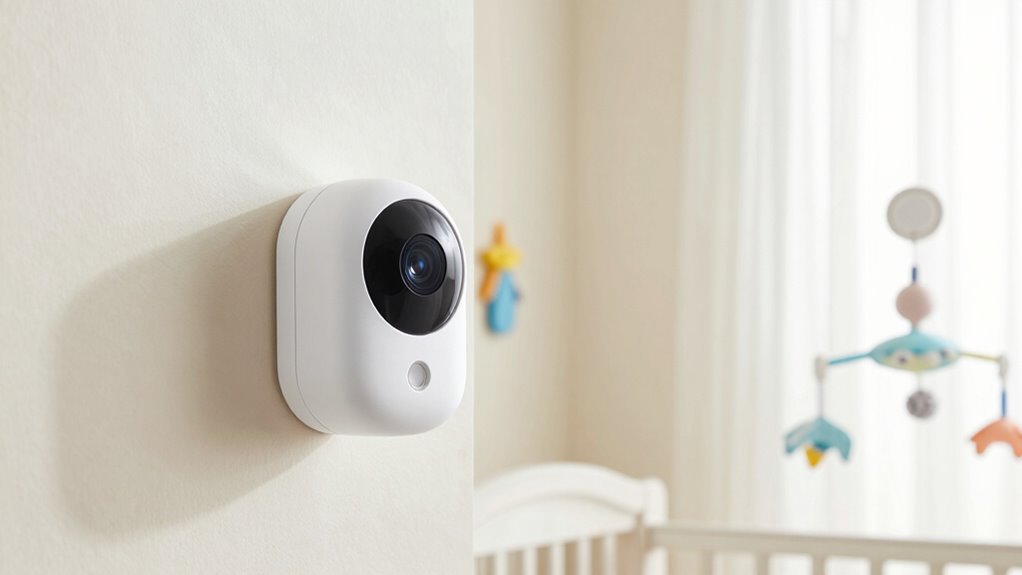

Position your baby monitor so it’s at eye level or slightly above the crib, angled downward to get a clear view without pointing directly at your baby’s face. Keep it away from windows, vents, or electronics that could cause false alerts. Adjust the camera slightly and set the sensitivity just right—avoiding triggers from minor movements or background noise. For more tips on perfect positioning and preventing false alarms, continue exploring how to optimize your monitor setup.
Key Takeaways
- Position the camera at eye level or slightly above the crib, avoiding direct angles towards the baby’s face.
- Adjust the camera angle to minimize outside movement triggers, such as room doors or curtains.
- Keep the monitor at a distance from windows, vents, and reflective surfaces to reduce false alerts.
- Regularly check and fine-tune the camera’s tilt and rotation for optimal coverage without external interference.
- Ensure the monitor’s placement prevents direct line-of-sight to moving objects outside the crib area.

HelloBaby 4.3'' Video Baby Monitor with 30 Hours Battery, Remote Pan-Tilt-Zoom Baby Monitor No WiFi, Baby Monitor with Camera and Audio, Night Vision, ECO Mode, Two-way Talk, 8 Lullabies, 1000ft Range
【3500mAh Powerful Battery & 4.3'' IPS Screen】Our HelloBaby baby monitor comes with a 3500mAh powerful battery that lasts…
As an affiliate, we earn on qualifying purchases.
As an affiliate, we earn on qualifying purchases.
How to Position Your Baby Monitor to Reduce False Alarms
To minimize false alarms, you should carefully position your baby monitor in a way that avoids common sources of interference. Start by ensuring the sensor calibration is accurate; this helps the monitor distinguish between real sounds and background noise. Adjust the sound sensitivity settings so the monitor responds only to significant noises, reducing false alerts caused by distant or faint sounds. Keep the monitor away from electronic devices, fans, or windows where drafts and external noises might trigger false alarms. Placing the monitor at an appropriate distance from the crib also helps prevent it from picking up minor noises or movements. Additionally, regular monitor maintenance can help ensure all components function correctly and reduce false alerts. Proper placement near sound sources and away from potential interference sources can further improve reliability. Being aware of common interference sources can help you optimize the monitor’s placement. Incorporating proper placement techniques and understanding the importance of sensor calibration ensures the monitor functions effectively, minimizing unnecessary alerts. With proper positioning, sensor calibration, and sound sensitivity adjustments, you’ll create a more reliable system that alerts you only when necessary.

VTech Upgraded Audio Baby Monitor with Rechargeable Battery, Long Range, and Crystal-Clear Sound
Best-in-class Long Range The VTech DM111 Audio Baby Monitor's dependable long operation range covers up to 1,000 feet,…
As an affiliate, we earn on qualifying purchases.
As an affiliate, we earn on qualifying purchases.
Best Height and Angle Settings for Accurate Monitoring
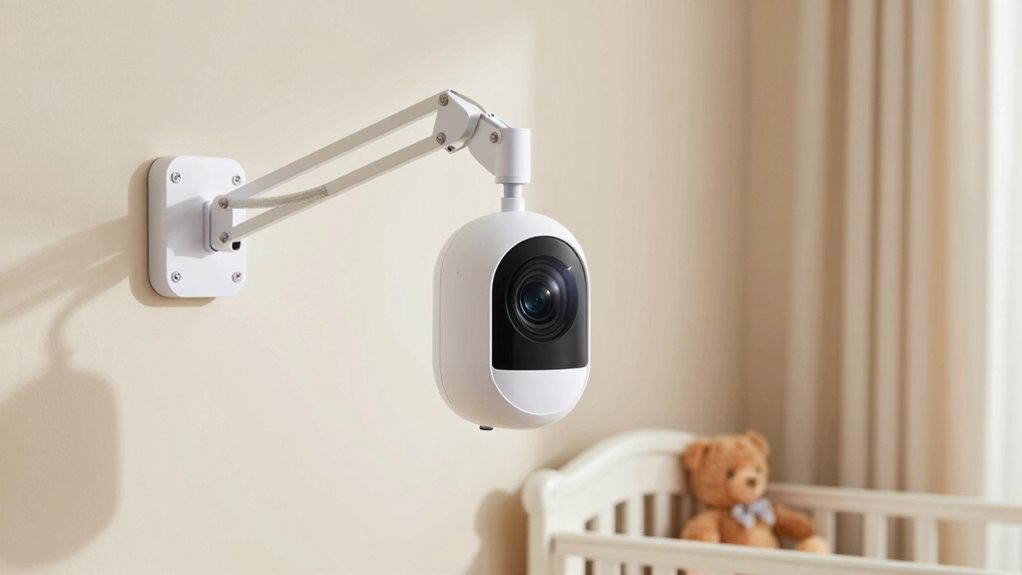
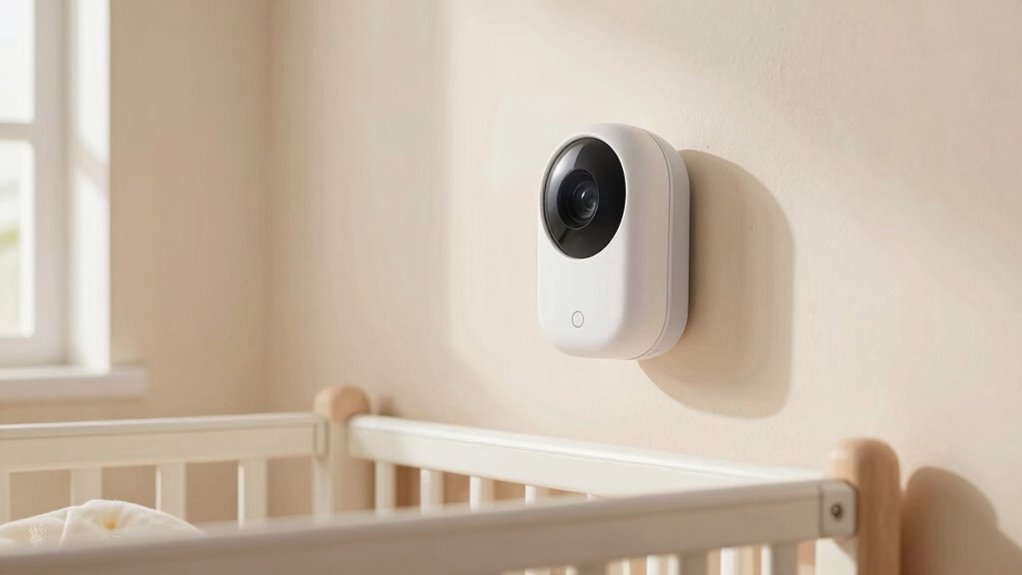
Positioning your baby monitor at the right height and angle guarantees you get a clear, accurate view of your little one. Place the monitor at eye level or slightly above their crib to avoid obstructions and ensure a broad, unobstructed field of view. Adjust the angle so the camera captures the sleeping area without pointing directly at the baby’s face, reducing false alerts caused by sudden movements. Set the sensor sensitivity appropriately; too high can trigger false alarms, while too low might miss important sounds. Be mindful of Wi-Fi interference, which can weaken the signal and distort audio or video quality. Keep the monitor away from electronic devices like routers or cordless phones to minimize interference and optimize monitoring accuracy. Proper camera placement also helps prevent false alerts caused by external factors or camera misalignment. Regularly check and adjust camera settings to maintain optimal monitoring performance. Additionally, periodically inspecting your camera’s angle and position ensures consistent coverage and reduces the chances of missed alerts or false triggers. Making small adjustments to the monitor’s placement can significantly improve overall reliability. Being aware of interference sources in your environment can further enhance the accuracy of your baby monitor.
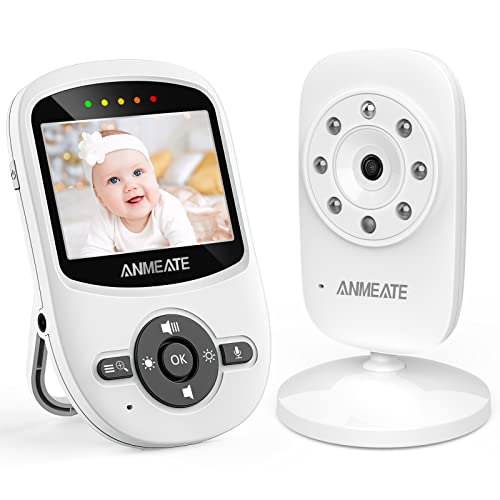
ANMEATE Video Baby Monitor with Digital Camera, Digital 2.4Ghz Wireless Video Monitor with Temperature Monitor, 960ft Transmission Range, 2-Way Talk, Night Vision, High Capacity Battery(1 Camera)
High quality color screen: This unique baby monitor features a High Resolution Display with 2x zoom magnification for…
As an affiliate, we earn on qualifying purchases.
As an affiliate, we earn on qualifying purchases.
Easy Adjustments to Minimize False Alerts
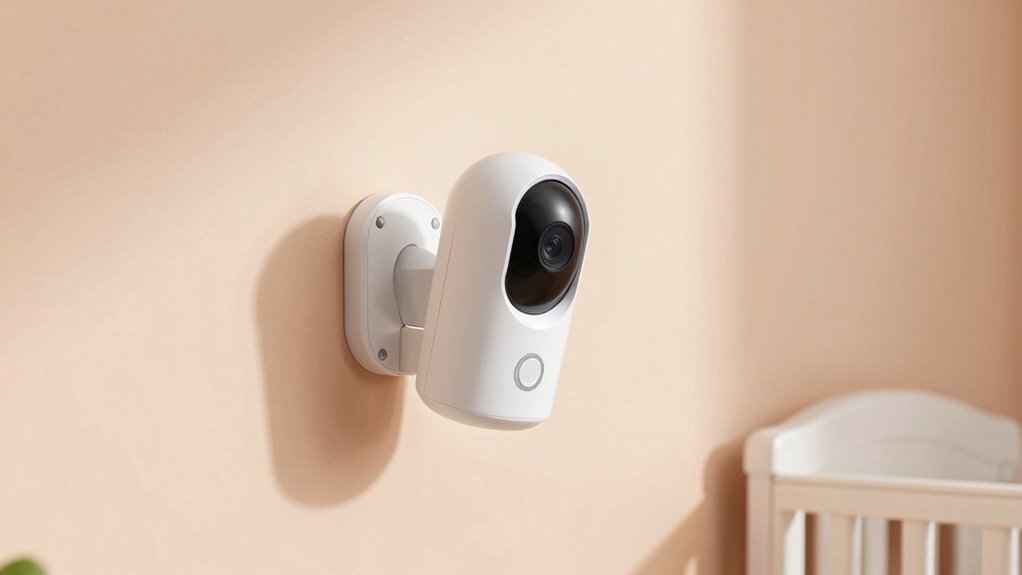
Adjusting your baby monitor settings is key to reducing false alerts. Start by tweaking the audio sensitivity—lower it so it only alerts you when your baby makes significant noise, preventing minor sounds from triggering notifications. Next, adjust the camera angle to ensure it’s focused correctly, avoiding areas that may cause false alarms, like shadows or movement outside the crib. Here are some easy adjustments:
- Fine-tune the audio sensitivity to prevent false alarms caused by background noise.
- Position the camera at a proper angle to minimize false triggers from outside movement.
- Use the monitor’s motion detection settings to filter out insignificant movements.
- Regularly clean the camera lens for clear visuals and accurate detection.
- Consider regional camera features and settings that enhance detection accuracy tailored to your environment. Additionally, understanding camera calibration techniques can further improve detection precision and reduce false alerts. Ensuring your camera’s installation angle is correct can significantly impact false alarm rates and overall monitoring reliability. Proper installation methods are essential to optimize camera performance and minimize false triggers. Furthermore, regularly reviewing your monitor’s alerts history can help identify patterns and adjust settings accordingly to improve accuracy.
These simple steps help you maintain reliable monitoring without unnecessary alerts.

Adjustable Baby Monitor Mount for HelloBaby HB65/HB40/HB6550/HB6560/HB6148/HB66/HB6339/HB6550 Pro, ANMEATE SM935E, Universal Baby Monitor Wall Mount with Perfect View and Easy to Install
✔Compatibility:Especially designed for hello baby monitor HB65/HB40/HB6550/HB6560/ HB6148/ HB66/ HB6339/ HB6550 Pro, ANMEATE SM935E, and also fit other…
As an affiliate, we earn on qualifying purchases.
As an affiliate, we earn on qualifying purchases.
Common Mistakes in Baby Monitor Placement That Cause False Alarms
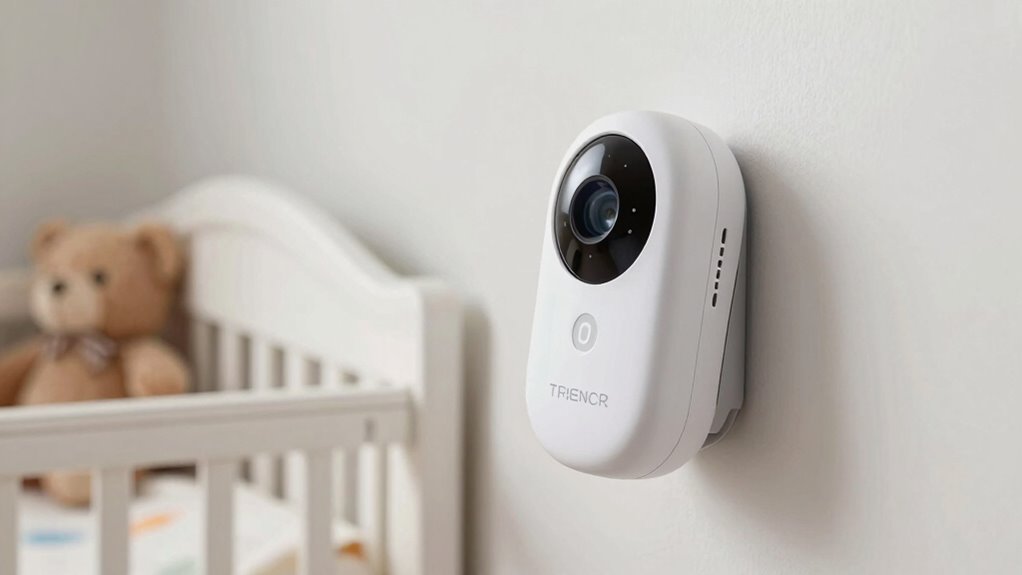
One common mistake that leads to false alarms is placing the baby monitor too close to sources of outside interference, such as windows, vents, or other electronics. Wireless interference from nearby devices can disrupt the signal, causing false alerts or missed sounds. Additionally, placing the monitor near reflective surfaces can amplify interference. Another mistake is positioning the monitor where batteries drain faster; frequent false alarms often prompt unnecessary power usage, reducing battery life. To avoid this, keep the monitor away from electronics and windows, and choose a stable, central location. Proper placement minimizes wireless interference and ensures your monitor’s battery lasts longer, providing reliable alerts without constant recharging or replacement. Rhythm Failure also emphasizes the importance of selecting a location with minimal support breakfast to improve overall signal stability and reduce the likelihood of false alarms.
Regularly Reassessing Your Baby Monitor’s Placement for Optimal Performance
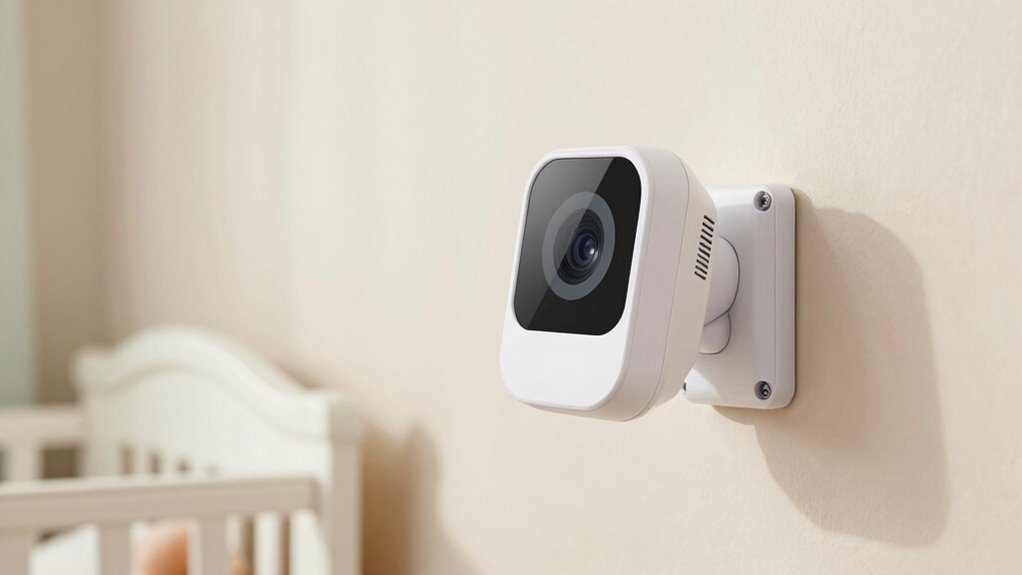
Since your baby’s environment and routine can change over time, it’s important to regularly reassess your baby monitor’s placement to guarantee peak performance. Monitoring technology evolves, and what worked initially might not be ideal later. Regular checks help address parental concerns about false alarms or missed alerts. Consider these key points:
- Update placement based on furniture changes or room layouts.
- Ensure the monitor is free from obstructions that could interfere with signals.
- Test audio and video quality regularly to catch any deterioration.
- Adjust the angle or position to minimize false alarms and maximize coverage.
- Be aware of nail biology and how device placement can affect signal interference through metallic components or other factors.
Frequently Asked Questions
How Does Room Lighting Affect Baby Monitor Accuracy?
Room lighting affects your baby monitor’s accuracy by influencing light intensity and shadow effects. Bright lighting can cause glare, making it harder for the monitor to detect movement or sound accurately. Conversely, low or uneven lighting creates shadows that may trigger false alerts or obscure your baby’s movements. To guarantee ideal performance, keep lighting consistent and avoid direct light sources that cause glare or shadows near the monitor.
Can Nearby Electronic Devices Interfere With Monitor Performance?
Yes, nearby electronic devices can interfere with your baby monitor’s performance. To minimize electronic interference, you should carefully consider device placement, keeping other electronics like Wi-Fi routers, cordless phones, or microwaves at a distance from your monitor. This helps reduce signal disruptions, ensuring clearer audio and video. By managing electronic interference through strategic device placement, you can improve your monitor’s reliability and keep a closer eye on your little one.
What Materials Should I Avoid Near the Monitor to Prevent False Alerts?
You should avoid placing cordless phones and metallic objects near your monitor, as they can trigger false alerts. Even if you think they’re far enough away, metallic items can interfere with the signal, causing unnecessary alarms. Keep these materials at a safe distance to ensure your monitor functions correctly. By doing so, you’ll maintain a clear signal and prevent false alerts, giving you peace of mind while caring for your little one.
Is It Necessary to Reposition the Monitor When the Baby’s Sleeping Environment Changes?
Yes, you should reposition your monitor when your baby’s sleep environment changes. Proper monitor placement is key to guaranteeing clear audio and video without false alerts. As your baby’s sleep environment evolves, like moving the crib or adjusting lighting, adjusting the monitor’s angle helps maintain ideal coverage. Keep the monitor at an appropriate distance and angle to avoid false alerts and ensure you can always see and hear your baby clearly.
How Do Different Baby Monitor Brands Vary in Sensitivity to False Alarms?
Different baby monitor brands vary in sensitivity and alarm accuracy, so you might notice some are more prone to false alarms than others. Some brands prioritize high sensitivity to detect the slightest movements, risking false alerts, while others focus on reducing false alarms by adjusting sensitivity levels. To find the right fit, compare brand sensitivity and alarm accuracy features, and choose a monitor that balances responsiveness with reliability for your baby’s safety.
Conclusion
To keep false alarms at bay, regularly check and adjust your baby monitor’s angle and height. Did you know that improper placement can cause up to 40% of false alerts? By positioning the camera correctly and avoiding common mistakes, you guarantee dependable monitoring and peace of mind. Remember, reassessing your setup every few months helps maintain ideal performance, so you can focus on what matters most—your baby’s safety and your peace of mind.