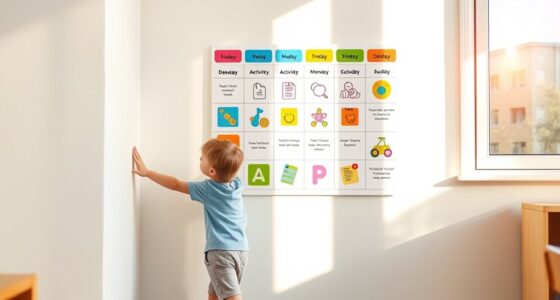

To effectively reduce tantrums, set clear screen time limits using device parental controls, such as timers and content filters. Create predictable routines with designated screen-free zones and scheduled breaks, especially after short sessions. Communicate these rules openly, explaining the reasons behind them, and provide offline activities to balance digital time. Monitoring usage reports helps you adjust settings as your child grows. Keep these strategies in mind to foster calmer behaviors—more helpful tips await as you continue exploring solutions.

Get baby and family essentials delivered free — and shop member deals
- Fast, free delivery on millions of items
- Access to Prime Big Deal Days deals on October 6–7
- Prime Video, Amazon Music and more included
Key Takeaways
- Set consistent daily screen time limits using device controls to prevent overstimulation and frustration.
- Use age-appropriate content filters to reduce exposure to upsetting or overstimulating material.
- Implement scheduled breaks and offline activities to help reset children and decrease tantrum triggers.
- Establish clear rules and routines for screen use, including designated screen-free zones and times.
- Regularly monitor and adjust screen settings based on your child’s temperament and developmental needs.
child screen time parental control device
As an affiliate, we earn on qualifying purchases.
As an affiliate, we earn on qualifying purchases.
How Screen Time Affects Toddler Behavior
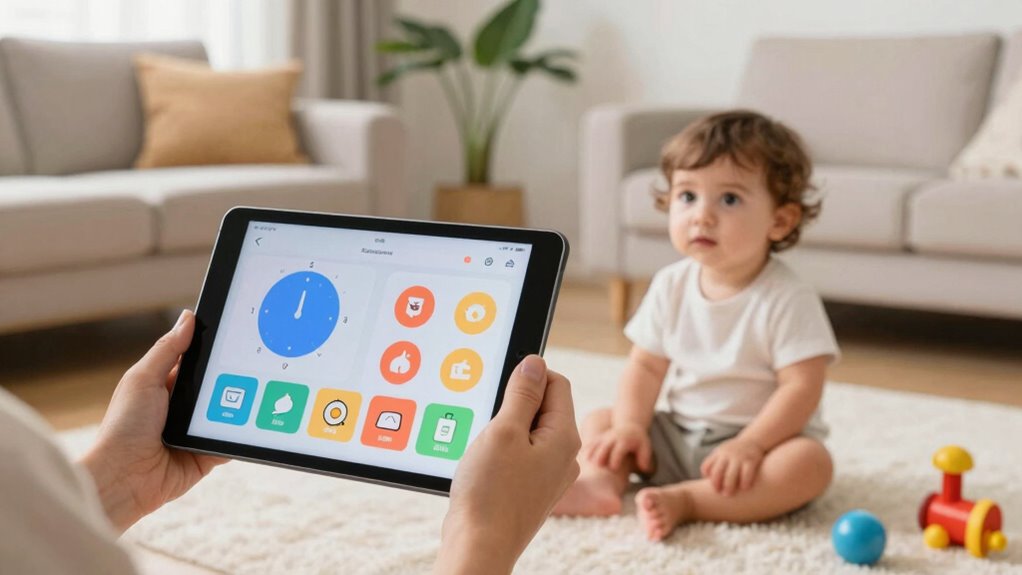
When toddlers spend excessive time on screens, it can lead to noticeable changes in their behavior. Too much screen time may hinder brain development by limiting active exploration and real-world interactions. This can affect their attention span, making it harder for them to focus on simple tasks or engage in sustained play. Overexposure to screens often leads to irritability, fussiness, and difficulty shifting between activities. Your child’s emotional regulation might also suffer as they become less accustomed to managing frustration without digital distractions. Additionally, excessive screen time can disrupt sleep patterns, which in turn impacts their mood and behavior. Proper management of screen time promotes healthier brain development and encourages more attentive, balanced behavior.
How to Choose Devices and Content for Healthy Screen Use

Choosing the right devices and content is essential for promoting healthy screen habits in your child. When selecting devices, focus on age-appropriate options that are durable and easy to operate. Content curation involves choosing programs that are educational, engaging, and aligned with your values. To help guide your choices, consider this table:
| Device Type | Suitable Content | Features to Look For |
|---|---|---|
| Tablets | Educational apps | Parental controls, durability |
| Smartphones | Child-friendly videos | Screen time limits |
| Laptops | Interactive learning | User restrictions |
| E-Readers | Storybooks | Adjustable font size |
| Smart TVs | Age-appropriate shows | Content filtering |
Using smart locks and other office gear can also help create a dedicated, secure environment for your child’s devices. Additionally, establishing screen time limits can prevent overexposure and promote balanced activities. Implementing content filters further ensures that children access appropriate material and avoid potentially harmful content. Regularly discussing digital etiquette with your child fosters responsible device use and helps develop healthy habits. Incorporating educational programming can also boost learning and curiosity outside of recreational use.
Setting Clear Limits to Reduce Tantrums

Setting clear screen time limits is essential for preventing tantrums and helping your child develop healthy habits. When you establish consistent boundaries, your child learns about digital literacy—understanding when and how to use devices responsibly. Clear limits also highlight the screen time benefits, such as improved focus and better sleep, by avoiding overexposure. By setting specific durations and routines, you create predictability, reducing frustration and emotional outbursts. Kids feel secure when they know what to expect, making progressions smoother. Remember, consistent limits encourage self-regulation and foster healthy interactions with technology. Establishing structured routines helps children develop self-control and reduces the likelihood of tantrums related to overstimulation. Incorporating digital literacy skills into daily routines further empowers children to make responsible choices about their screen use. Additionally, understanding battery maintenance and proper device care can prevent technical issues that might cause frustration. Staying informed about device updates can also ensure your child’s devices operate smoothly, minimizing interruptions. Being aware of parental controls and setting them appropriately can provide additional layers of security and manageability. Ultimately, well-defined boundaries help your child enjoy the benefits of screen time while minimizing the risk of tantrums and overstimulation.
Using Device Settings and Parental Controls Effectively
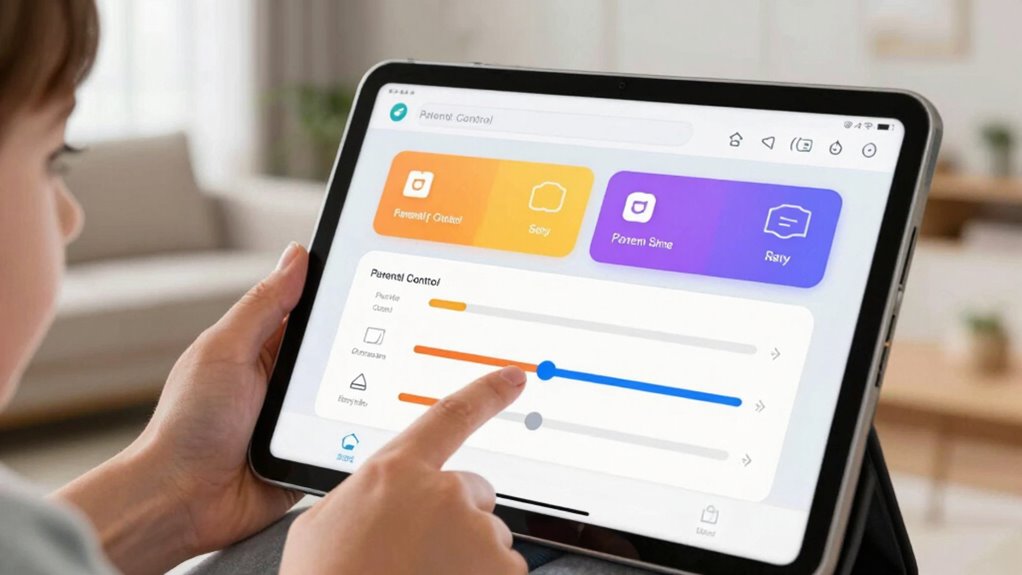
You can make the most of device settings and parental controls to keep screen time in check. By customizing restrictions, you control what your child can access and when. Monitoring usage helps you stay aware of their screen habits and adjust limits as needed. Incorporating digital art trends with powerful meanings can also inspire you to create engaging visual environments that encourage healthy screen habits instead of excessive use. Additionally, exploring digital literacy resources can help children develop critical thinking skills about their online activities. Understanding dog breeds and their unique traits can also serve as a positive analogy to teach patience and consistency in managing screen time, especially when considering behavior management techniques that foster better habits.
Customizing Device Restrictions
To effectively manage your device’s usage, customizing restrictions through device settings and parental controls is essential. Device customization allows you to tailor restrictions to your child’s needs, ensuring they access appropriate content and avoid distractions. Use restriction management features to set time limits, block certain apps or websites, and restrict in-app purchases. These controls help create a safer digital environment and reduce the chances of tantrums caused by frustration or exposure to unsuitable material. Regularly review and adjust these restrictions as your child grows or as their needs change. By actively managing these settings, you maintain better oversight of screen time and foster healthier device habits. Implementing age-appropriate content filters can further prevent exposure to harmful material. Setting clear guidelines and expectations around device use can also reduce conflicts and promote positive interactions with technology. Additionally, utilizing privacy and security settings ensures your child’s online safety while using devices. Engaging in meaningful digital boundaries helps children develop healthy habits and resilience around technology use.
Monitoring Screen Time Usage
Monitoring your child’s screen time effectively requires leveraging device settings and parental controls to gain clear insights into their usage patterns. By regularly reviewing screen time reports, you can identify signs of screen addiction or growing tech dependency. These tools help you set limits, enforce schedules, and block inappropriate content, giving you greater control over their digital habits. Keep an eye on app usage to see which activities consume most of their time and address any concerning trends early. Using these controls isn’t about micromanaging but about encouraging healthier screen habits. When you understand how your child interacts with screens, you can implement balanced routines that reduce tantrums caused by overstimulation or frustration from excessive device use. Understanding digital habits is essential for fostering responsible tech use. Regularly assessing digital engagement patterns can help you adjust strategies proactively and prevent potential issues before they escalate. Consistent monitoring is key to fostering responsible tech habits.
Scheduling Breaks and Offline Activities to Prevent Meltdowns

Scheduling regular breaks and offline activities is essential for maintaining a healthy balance and preventing meltdowns. By planning short pauses between screen sessions, you give your child time to reset. Incorporate outdoor activities like playground breaks to boost their energy and mood naturally. A well-structured schedule helps avoid overstimulation and frustration.
| Activity Type | Recommended Duration | Best Time of Day |
|---|---|---|
| Playground Breaks | 15-20 minutes | Mid-morning or afternoon |
| Outdoor Play | 30-60 minutes | Late morning or evening |
| Quiet Time | 10-15 minutes | After screen use |
| Creative Activities | 20-30 minutes | Post-meal |
| Physical Exercises | 15 minutes | Before dinner |
Integrating these offline activities into daily routines reduces tantrums and promotes healthier habits.
Talking With Your Kids About Screen Time Rules
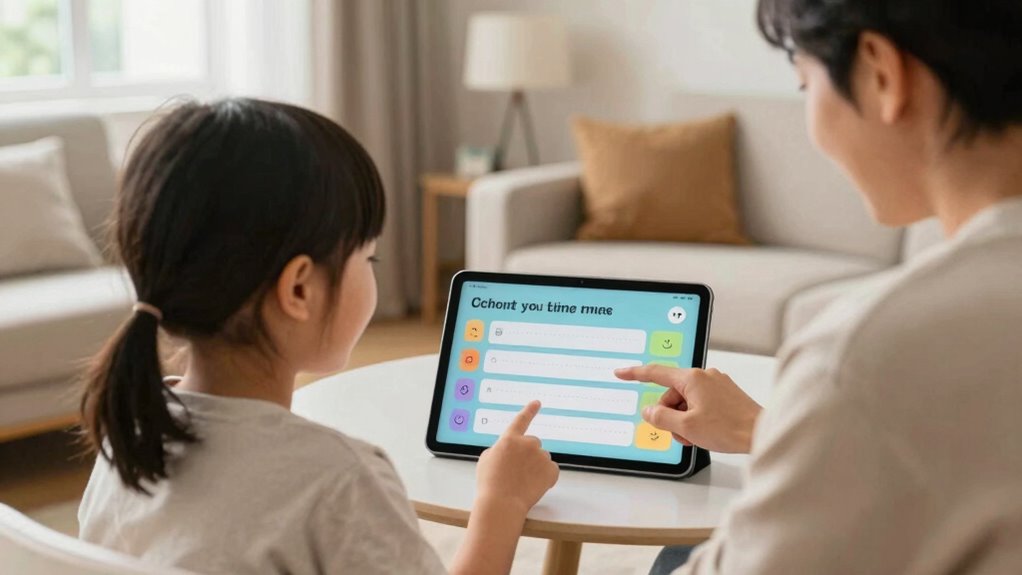
Talking openly with your kids about screen time rules helps set clear expectations and boundaries. When you listen and show respect, your kids are more likely to understand and follow the guidelines. Keep the conversation honest and collaborative to build trust and cooperation.
Clear Expectations and Boundaries
Setting clear expectations and boundaries around screen time helps your kids understand what’s acceptable and what isn’t. To do this effectively, consider these steps:
- Clearly define rules, such as daily time limits or screen-free zones.
- Use positive reinforcement to reward compliance, encouraging good habits.
- Apply consistent consequences if rules are broken, so your child knows what to expect.
Open and Respectful Dialogue
Have you ever wondered how to make discussing screen time rules feel more open and respectful? The key is fostering dialogue that encourages your child’s input and understanding. Your active parental involvement shows you’re invested, which helps build trust. Talk about digital literacy as a shared journey, helping your child understand both the benefits and risks of screen use. Ask questions about their favorite apps or games, and listen carefully to their responses. Avoid harsh rules; instead, explain the reasons behind boundaries and invite their thoughts. This respectful approach empowers your child to develop responsible habits and reduces resistance. When your conversations are open and collaborative, your child feels valued, making it easier to establish and stick to screen time guidelines.
Adjusting Settings Based on Your Child’s Age and Temperament

When determining the right screen time settings for your child, considering their age and temperament is essential. Every child is unique; some may handle more screen time, while others need stricter limits. To tailor your approach:
- Focus on age-appropriate content and duration, ensuring it matches developmental milestones.
- Observe your child’s temperament—are they more sensitive or easily overstimulated? Adjust settings accordingly.
- Set flexible boundaries that can evolve as your child grows and their temperament shifts.
A temperament-based approach helps prevent frustration and tantrums, making screen time a positive experience. By combining age-appropriate guidelines with an understanding of your child’s personality, you create a balanced environment that promotes healthy habits and minimizes conflicts.
Monitoring Screen Time and Making Data-Driven Adjustments

Monitoring your child’s screen time helps guarantee their usage aligns with the guidelines you’ve set based on age and temperament. Regularly reviewing usage data allows you to identify patterns and make informed adjustments. If you notice excessive screen time, consider implementing a digital detox period where screens are put away completely. Creating tech free zones in your home, like the dining area or bedrooms, encourages healthier habits and reduces potential tantrums. Use device settings and apps to track time spent on different activities, helping you fine-tune boundaries. Data-driven adjustments ensure your child’s screen time remains appropriate, boosting their well-being and minimizing conflicts. Staying proactive with monitoring empowers you to foster a balanced digital environment that supports your child’s development.
Creating a Balanced Digital Routine for Family Peace

Creating a balanced digital routine is essential for maintaining family harmony and ensuring your child’s healthy development. To do this effectively, consider these steps:
- Establish daily tech free zones like mealtimes and bedtime to encourage face-to-face interactions.
- Schedule regular digital detox periods where screens are put aside, helping everyone reset and reconnect.
- Set clear limits on screen time, balancing digital activities with outdoor play and family activities.
Frequently Asked Questions
How Can I Tell if My Child’s Screen Time Is Excessive?
You can tell if your child’s screen time is excessive by observing their behavior and mood. Use screen time monitoring tools and parental controls to track usage and set limits. If your child becomes irritable, struggles to focus, or has trouble sleeping, these are signs they may be overdoing it. Regularly review their screen habits and adjust limits as needed to guarantee a healthy balance and reduce tantrums.
Are There Specific Content Types That Reduce Tantrums?
Think of your child’s mind as a garden; choosing the right content helps it flourish. You’ll find that educational content and interactive games act like gentle rain, calming their storms and reducing tantrums. These types of content engage their curiosity and problem-solving skills, creating a positive experience. By offering enriching content, you nurture their growth while keeping tantrums at bay, turning screen time into a nurturing, constructive activity.
What Signs Indicate My Child Is Ready for More or Less Screen Time?
You’ll notice your child is ready for more or less screen time when their behavior cues and emotional responses change. If they become irritable, lose interest quickly, or have difficulty calming down after screen use, it’s time to cut back. Conversely, if they show positive engagement and can self-regulate, they might be ready for slightly increased screen time. Pay close attention to these cues to adjust accordingly.
How Do I Handle Resistance to Screen Time Limits?
Think of setting boundaries like planting a garden—you need steady care and patience. When your child resists screen time limits, stay calm and firm. Explain the reasons clearly, and stick to consistent routines. Show understanding, but don’t bend the rules. Over time, your child will learn that boundaries are part of a safe, predictable environment, reducing resistance and helping them feel secure and supported.
Can Certain Devices or Apps Help Promote Healthier Screen Habits?
Yes, certain devices and apps can help promote healthier screen habits. You can use device timers to automatically limit screen time, ensuring your child isn’t glued to the screen for too long. Additionally, app restrictions allow you to block or set time limits on specific apps, encouraging balanced usage. These tools make it easier to enforce boundaries and reduce tantrums caused by excessive or uncontrolled screen time.
Conclusion
Balancing screen time isn’t just about limits; it’s about fostering real connections. While devices can entertain, they shouldn’t replace your presence. When you set clear rules and monitor usage, you create a peaceful environment where tantrums fade. Remember, screens are tools, not substitutes for your guidance. Striking this balance means your child learns self-control, and you enjoy calmer days—showing that sometimes, less screen time leads to more meaningful moments together.
Halloween Picks
halloween
As an affiliate, we earn on qualifying purchases.